



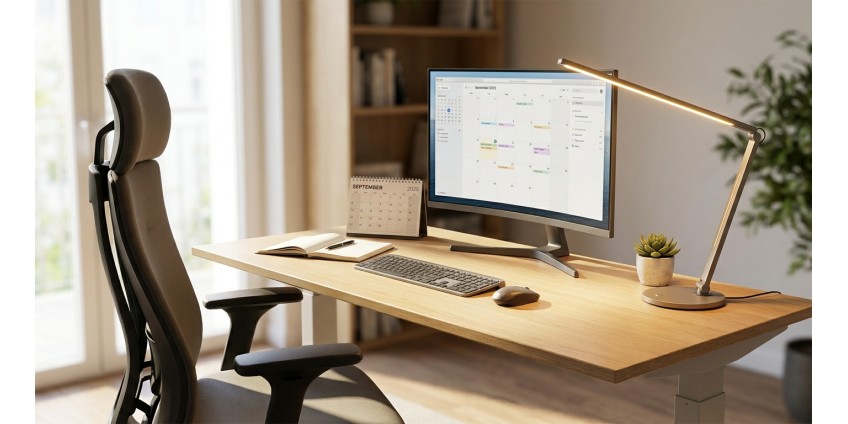
How to Organize Your Home Workspace in 2026: Ergonomics, Lighting, and Must-Have Accessories for Productivity
Working from home has become an integral part of life for millions of Ukrainians. In 2026, proper organization of your home workspace is not just a trend, but a necessity for maintaining health and high productivity. An improperly set up workspace can lead to back and neck pain, eye strain, and decreased concentration. Therefore, it's worth approaching this issue comprehensively, considering all aspects: from furniture to lighting and accessories.
Workspace Ergonomics: The Foundation of Comfort
Ergonomics is the science of adapting the work environment to human needs. Proper workspace organization helps prevent occupational diseases and increases work efficiency.
Proper Desk and Chair Height
The first thing to pay attention to is the height of your work surface. When sitting at your desk, your elbows should form an angle of approximately 90 degrees, and your forearms should rest freely on the desktop. Your feet should be flat on the floor or on a special footrest, with knees also bent at a 90-degree angle.
If you work on a laptop, be sure to use a stand for it. The top of the screen should be at eye level or slightly below. This will help avoid neck and shoulder strain. Laptop stands and tables are perfect for this, providing the correct tilt angle.
Monitor and Its Placement
If you work with a separate monitor, place it at arm's length from your eyes — approximately 50-70 cm. The center of the screen should be slightly below eye level so your gaze is directed slightly downward. This is a natural position for the eyes that minimizes fatigue.
Lighting: The Key to Preserving Your Vision
Proper workspace lighting is often underestimated, although it's critically important for productivity and eye health. In 2026, lighting standards have become even more stringent.
Natural Light
It's best to position your desk near a window, but so that sunlight doesn't fall directly on the monitor screen. The ideal option is when the window is to your side. This provides sufficient natural lighting without glare on the screen.
Artificial Lighting
General room lighting is not enough for comfortable work. Be sure to use additional local lighting. Desk lamps with adjustable brightness and color temperature have become the standard in 2026. Cool white light (5000-6500K) increases concentration and is suitable for morning hours, while warm light (2700-3000K) is better used in the evening.
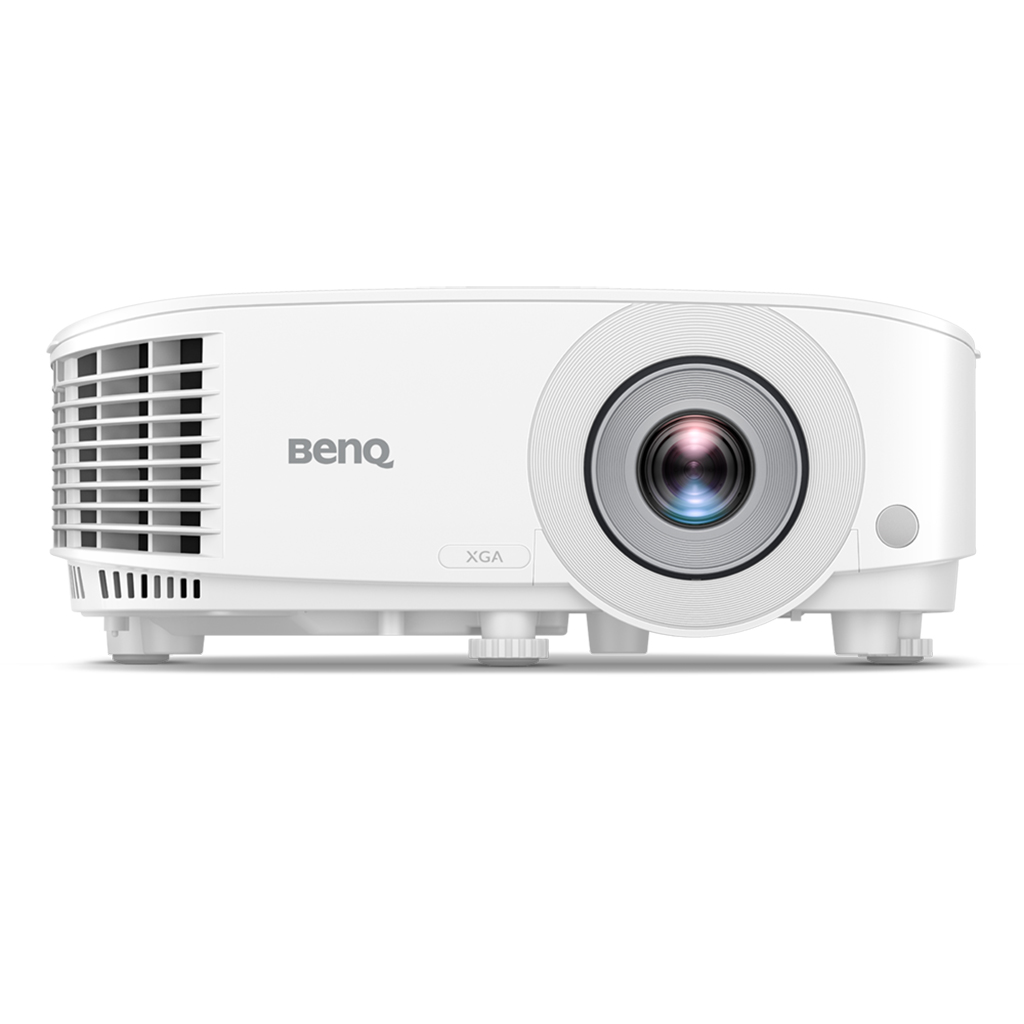
For presentations and video conferences, the BENQ MX560 Projector, DLP, XGA, 4000Lm, 20000:1, D-sub, HDMI, white can be useful. This device provides a bright image with high contrast, which is especially useful for conducting online presentations or viewing training materials on a large screen. With a resolution of 1024x768 and brightness of 4000 lumens, it works great even in daylight.
Space Organization and Order
Cleanliness and order in the workspace directly affect productivity. A cluttered desk scatters attention and reduces motivation.
Storage System
Use organizers for stationery, documents, and small items. Everything you need daily should be within reach, but not on the desk. Store the rest in drawers or on shelves.
Cable Management
Cable clutter is a typical home office problem. Cable organizers will help keep all wires in order. You should also use power strips, adapters, and extension cords with enough outlets so you don't have to constantly switch devices.
Must-Have Accessories for Productivity
Maintaining Workspace Cleanliness
Regular cleaning of your workspace is not only about hygiene, but also psychological comfort. A clean workspace sets you up for productivity and helps you focus.
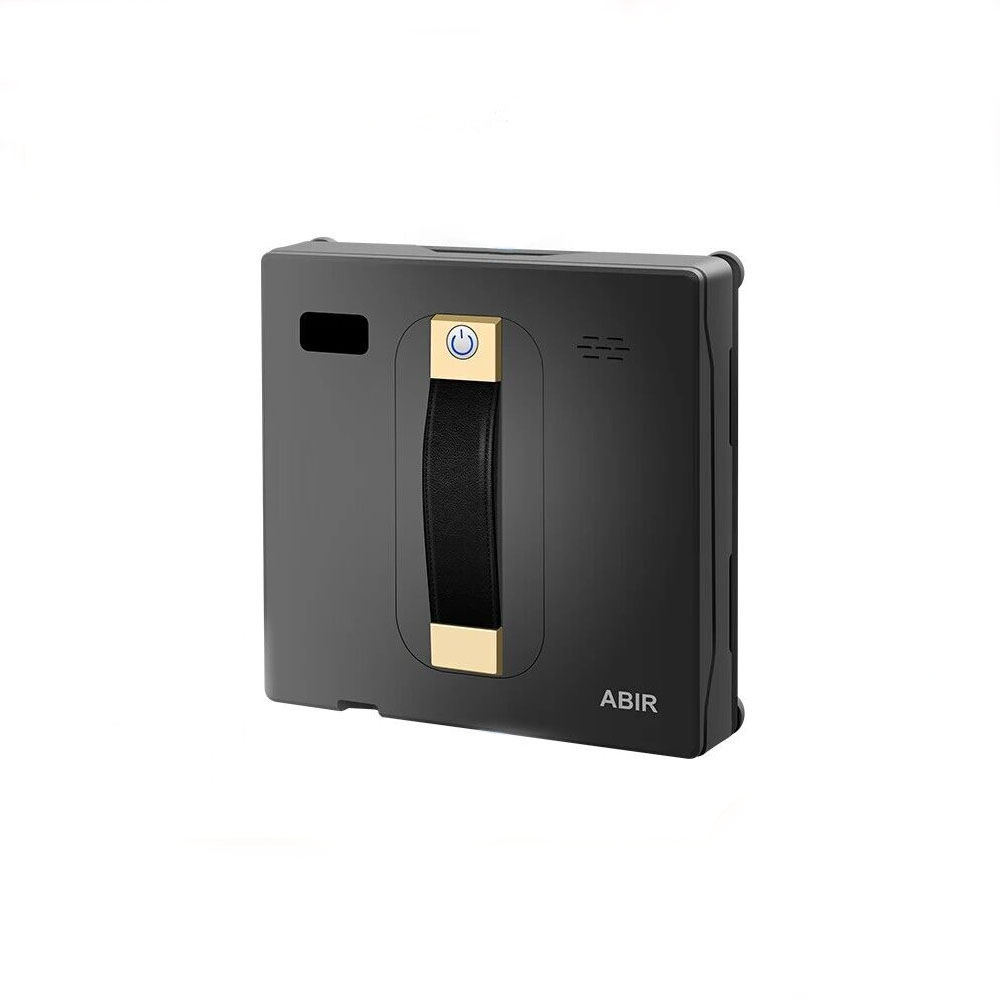
To maintain clean windows and glass surfaces on your desk, you can use the ABIR WD8 Robot Vacuum for Window Cleaning with Remote Control. This device automatically cleans windows, mirrors, and smooth surfaces, saving you time. It's especially useful if your workspace is located near large windows.
Peripheral Devices
A quality keyboard and mouse are not a luxury, but a necessity. Ergonomic models reduce strain on the wrists and help prevent carpal tunnel syndrome. Choose keyboards with soft key presses and mice with wrist support.
Audio for Concentration
Quality headphones with noise cancellation will help you focus on work, especially if there are children or other noise sources at home. For video conferences, choose models with a good microphone.
Comfort While Working
Temperature Control
The optimal temperature for work is 20-22 degrees Celsius. If the room is cold, it reduces productivity and concentration. For quick local hand warming while working, you can use a Reusable Hand Warmer Based on Sodium Acetate. It works for up to 25 minutes and is easily activated, which is convenient for quick warming.
Air Humidity
Dry air in the room negatively affects mucous membranes and skin. Air humidifiers maintain an optimal humidity level of 40-60%, which improves well-being and reduces fatigue.
Personalizing Your Workspace
Your workspace should be not only functional but also personally pleasant. Add decorative elements that inspire you: photos, plants, motivational posters. This creates psychological comfort and increases the desire to work.
Plants on Your Desk
Indoor plants not only decorate the space but also improve air quality. Choose low-maintenance varieties that don't require complex care: snake plant, ZZ plant, pothos.
Work Schedule and Breaks
Even a perfectly organized workspace won't save you from overwork if you don't take regular breaks. Use the Pomodoro technique: 25 minutes of work, 5 minutes of rest. Every 2 hours, take a longer break of 15-20 minutes.
During breaks, be sure to get up from your desk, do light stretches, and eye exercises. Look out the window at distant objects — this helps relax the eye muscles.
Workspace Maintenance
Regularly clean your monitor, keyboard, and mouse. Dust and dirt not only look untidy but can also lead to premature equipment failure. Use special electronics wipes and cleaning products.
Practical Summary
Organizing an effective home workspace in 2026 is a comprehensive approach that includes proper ergonomics, quality lighting, and thoughtful accessories. Start with the basics: adjust the height of your chair and monitor, ensure adequate lighting, and organize your desk.
Invest in quality peripheral devices and ergonomic furniture — it will pay off in health preservation and increased productivity. Don't forget about regular breaks and maintaining workspace cleanliness. Create an environment where you'll be comfortable working every day, and results won't be long in coming.
Remember: the perfect workspace is one that suits you personally, takes into account your individual needs and work specifics. Experiment, adjust, and improve your space until you find the optimal solution.
Products related to this post

₴198 грн. ₴245 грн.
Add to Cart
₴5,999 грн. ₴9,499 грн.
Add to Cart
₴69 грн. ₴109 грн.
Add to Cart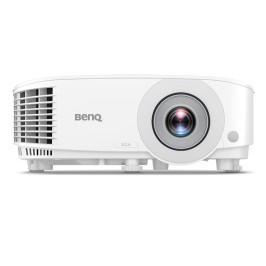
₴23,625 грн. ₴31,540 грн.
Add to Cart